









Description
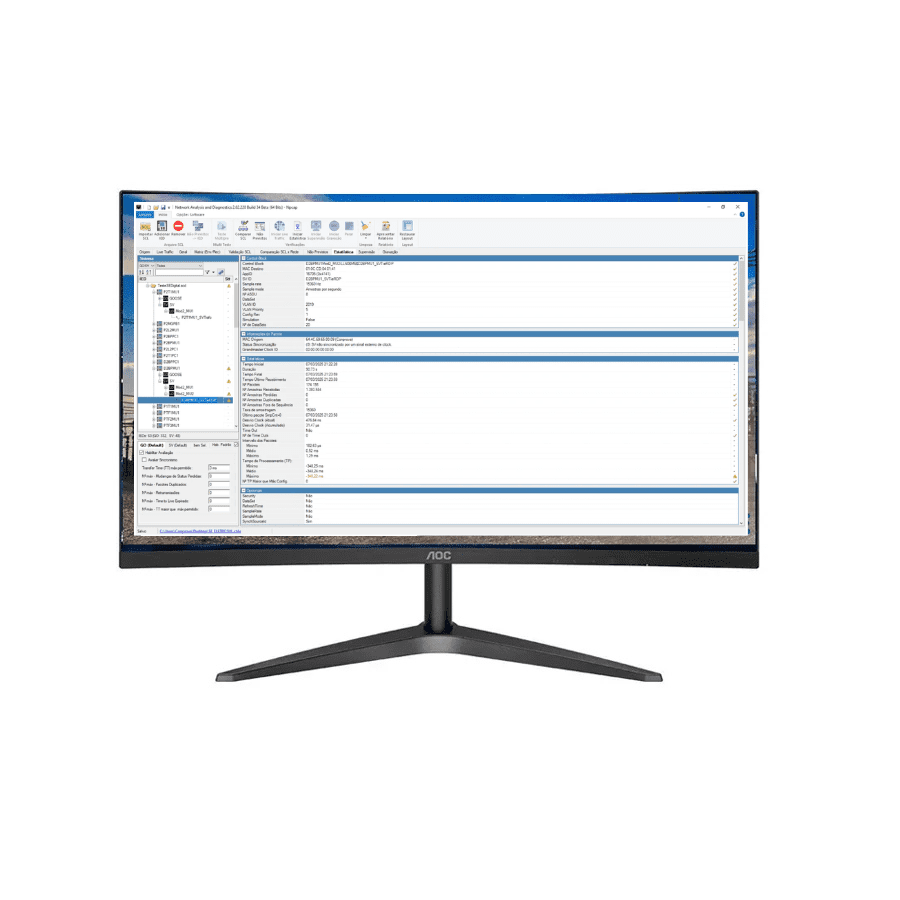
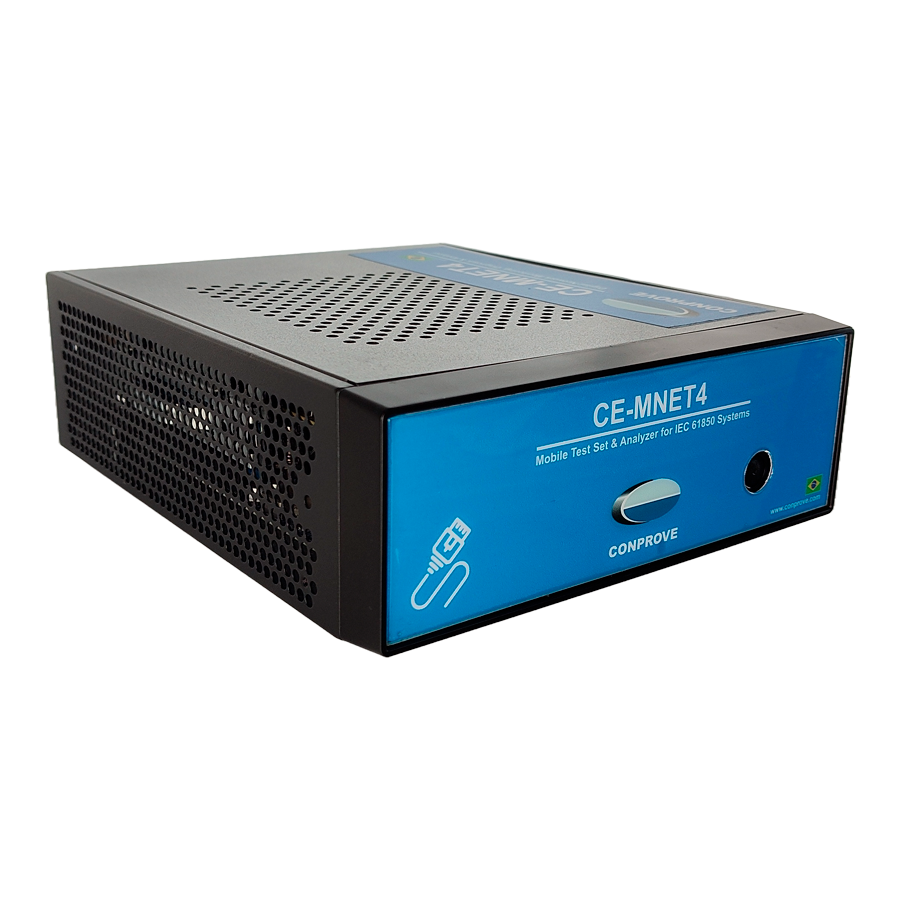
Network Analysis and Diagnostics (Network AD) is a powerful tool that is part of CONPROVE’s communication network monitoring and diagnostic solutions for digital substations based on the IEC 61850 standard: CE-RNET4 (rack-mounted version) and CE-MNET4 (portable version).
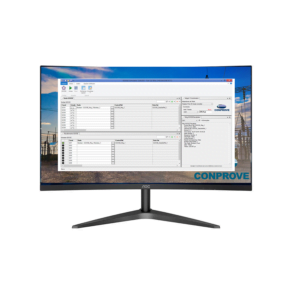
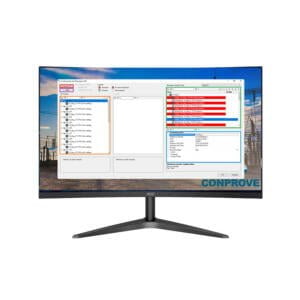
Designed to meet (and exceed) the minimum requirements described in the revision of ONS submodule 2.11 – item 7, the software controls the processing unit via remote access on a local or remote (cloud) network and features a fully user-friendly and intuitive interface. There are several features that make the system extremely powerful, while at the same time easy to operate and self-explanatory.
Main software features:
-
Check IEC 61850 communication;
-
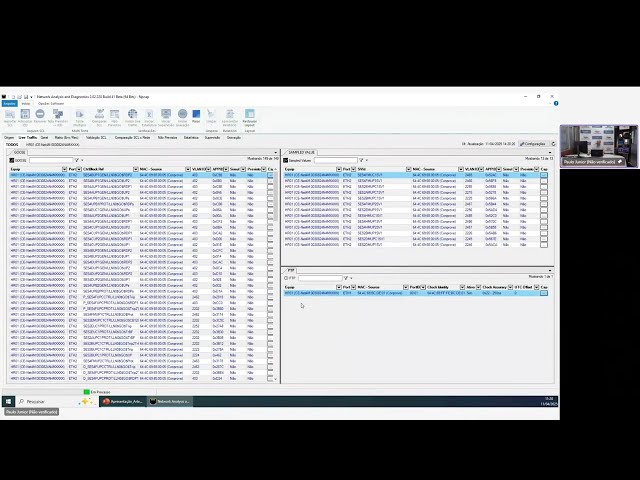
Analyze network traffic;

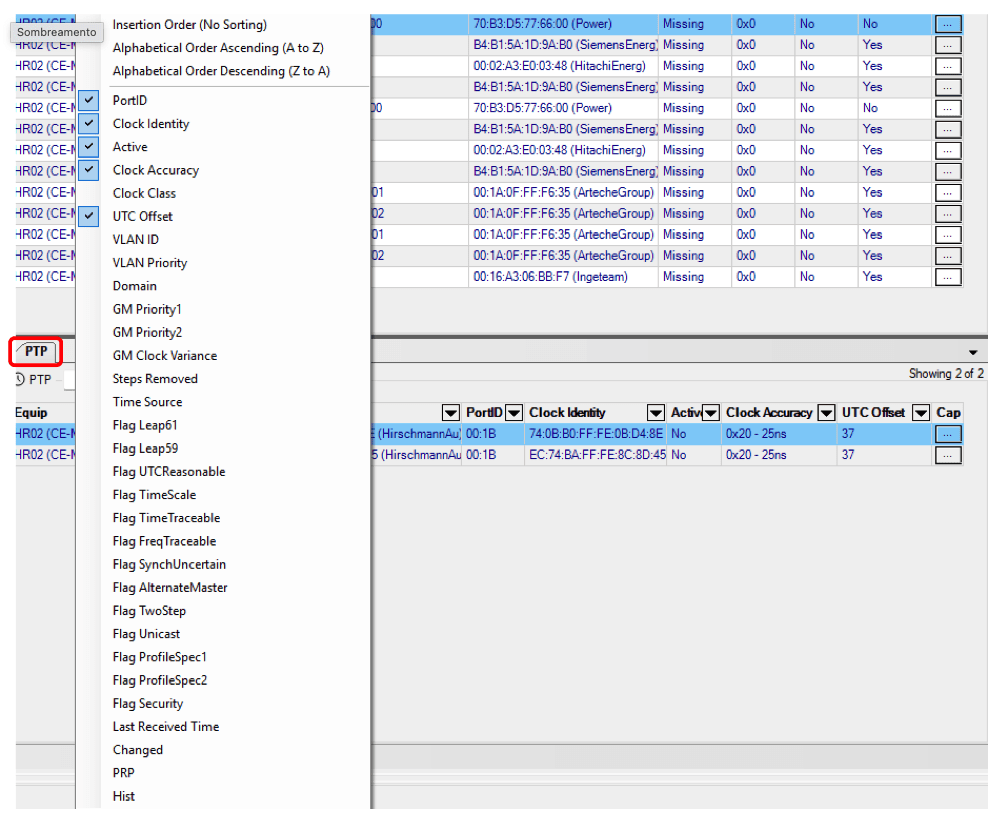
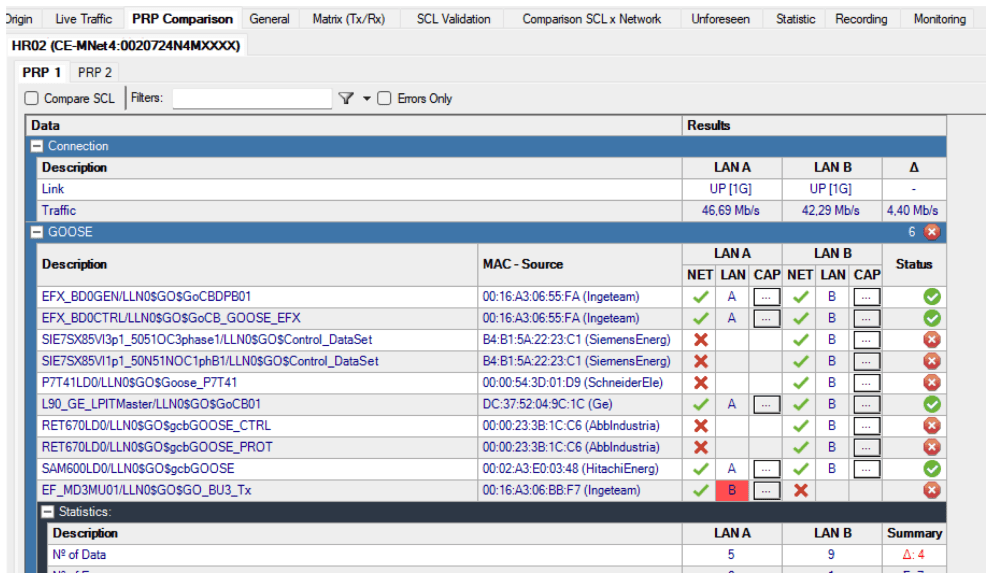
• PRP Comparison: compares LANs, checking for differences in SV, GOOSE, and PTP traffic, and network load imbalance.
-
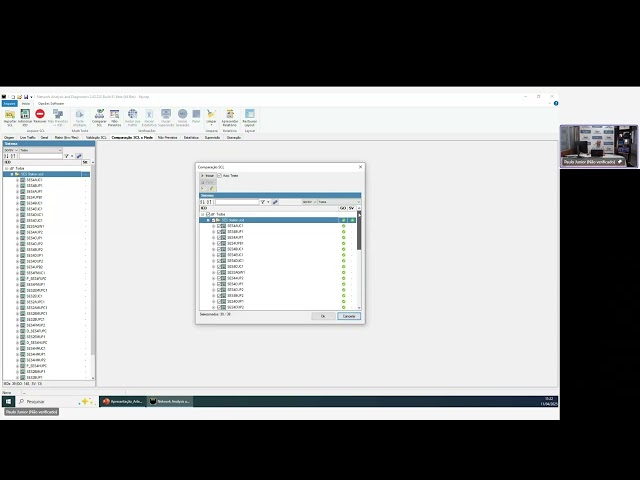
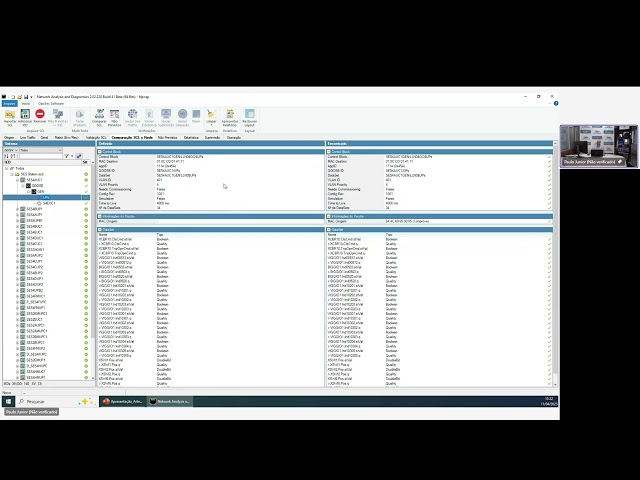
Import SCL (Substation Configuration Language) files from IEC 61850 and perform analysis of publisher IEDs x subscriber IEDs in terms of GOOSE and Sampled Values in a friendly matrix interface. In addition, it analyzes the imported SCL file and compares it to the IEC 61850 standard template, indicating possible errors;
-
Detect and signal messages on the network with parameters different from the configuration files.


Statistical and performance analysis:
-
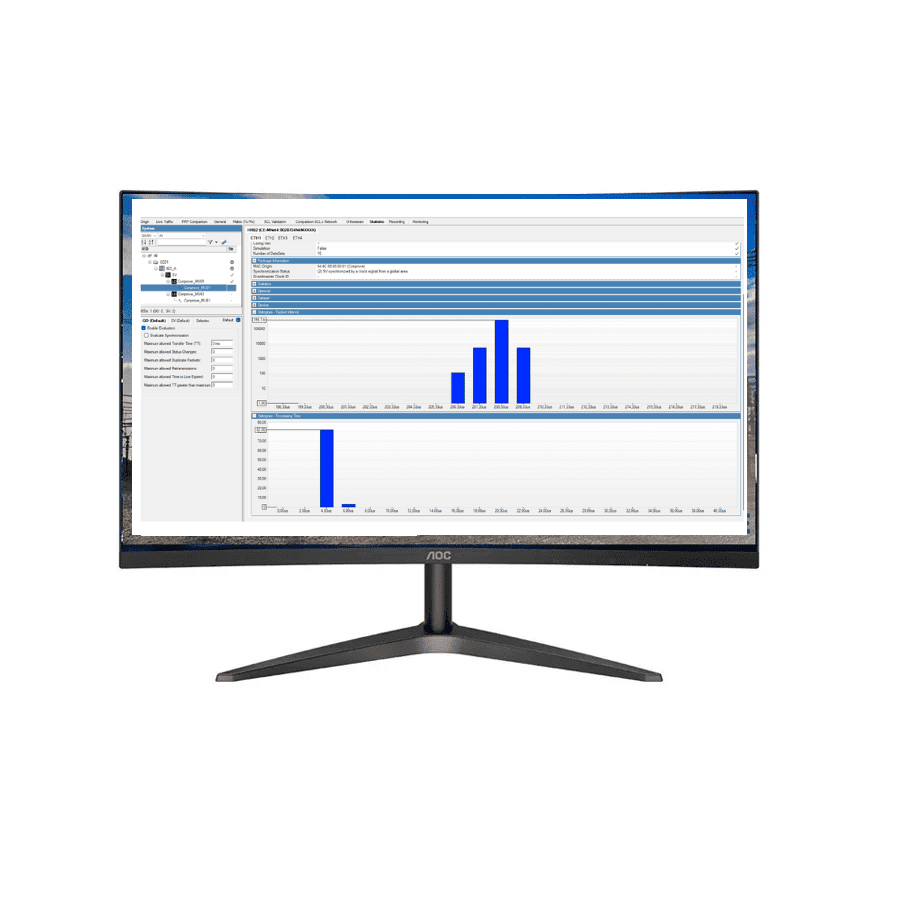
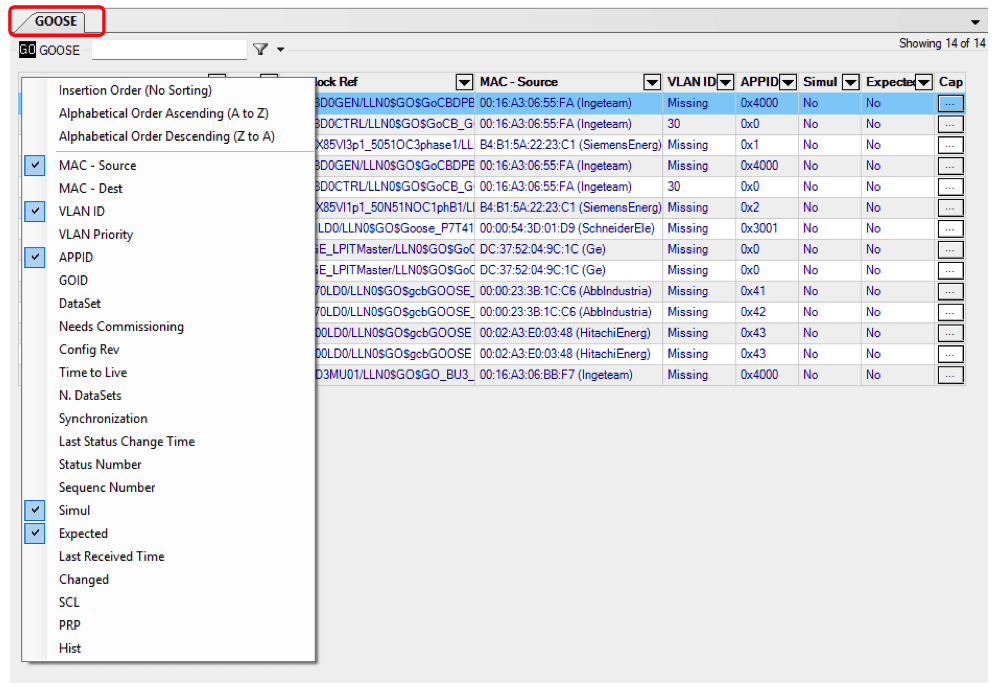
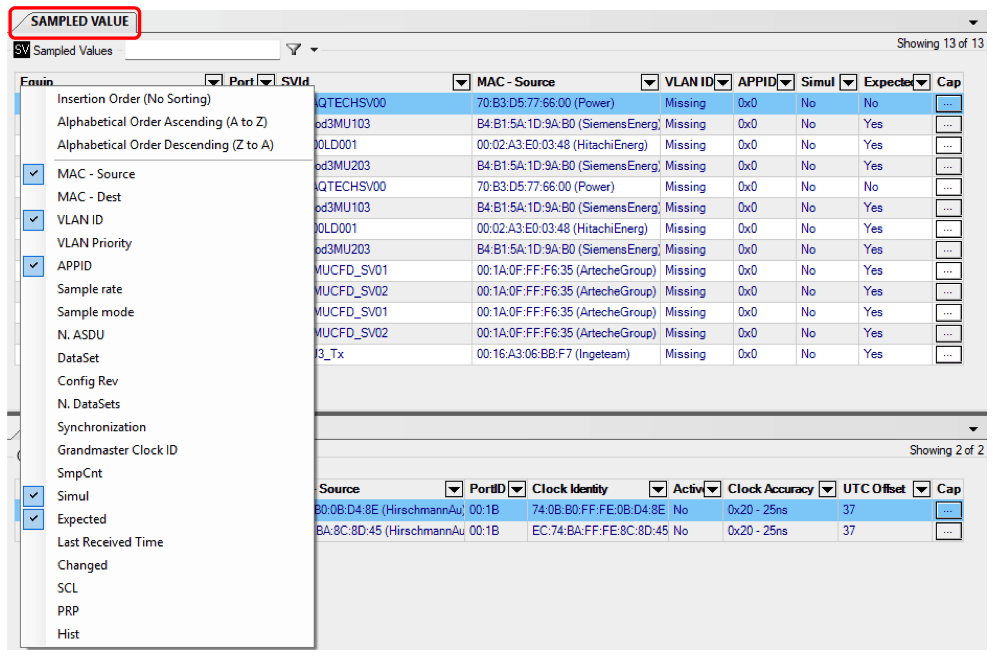
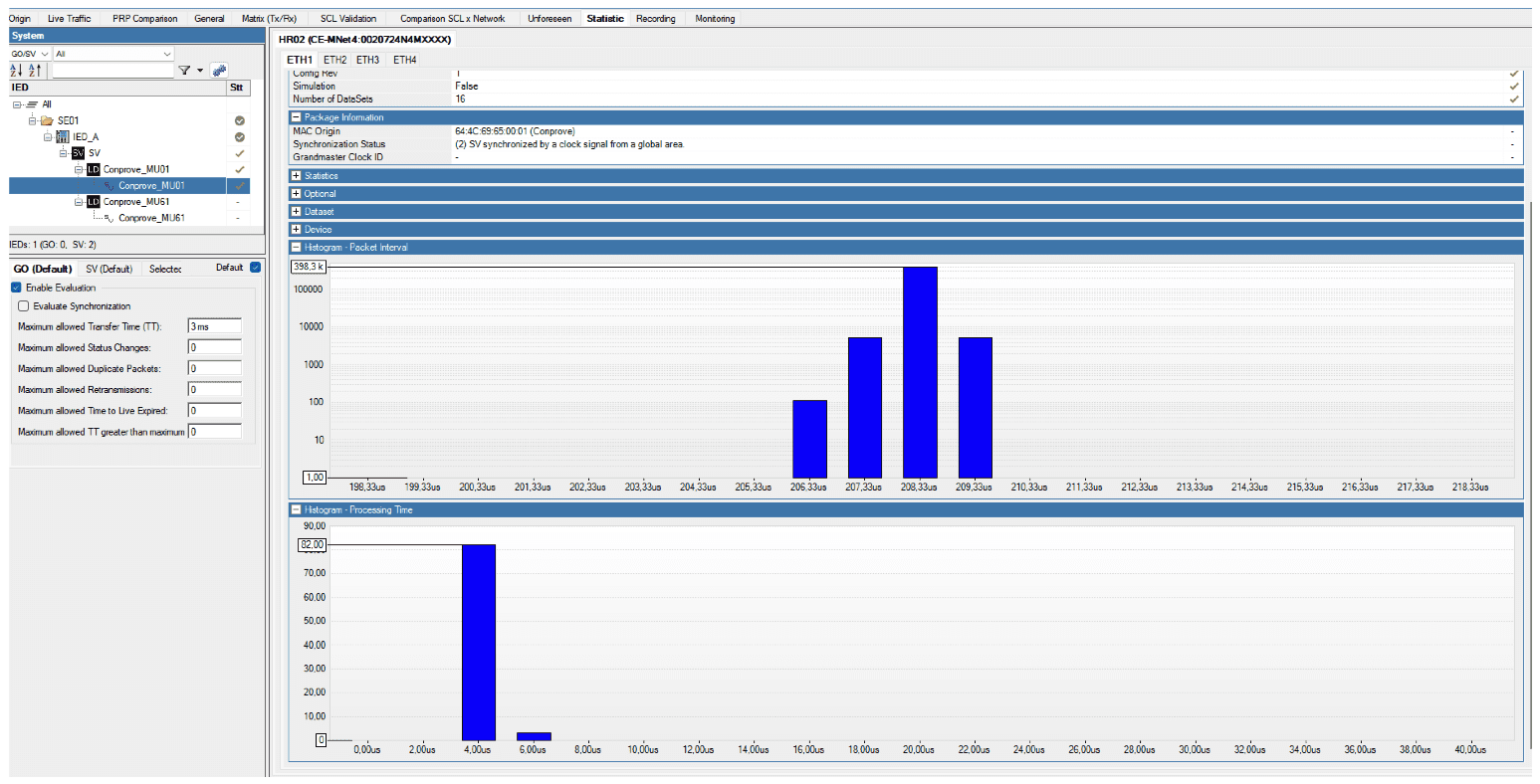
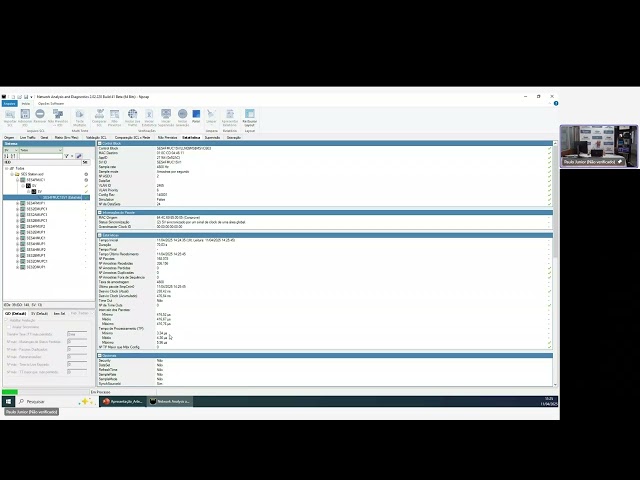
Perform statistical analysis of GOOSE and Sampled Values messages;
-
Evaluate message performance;

-
Detect and signal the absence of expected messages;
-
Detect and signal the presence of unexpected messages;
-
Detect and signal issues in GOOSE, SV, and PTP messages;
-
PRP network monitoring;
-
IED monitoring via Client/Server (MMS) communication;


-
Capture network messages;
-
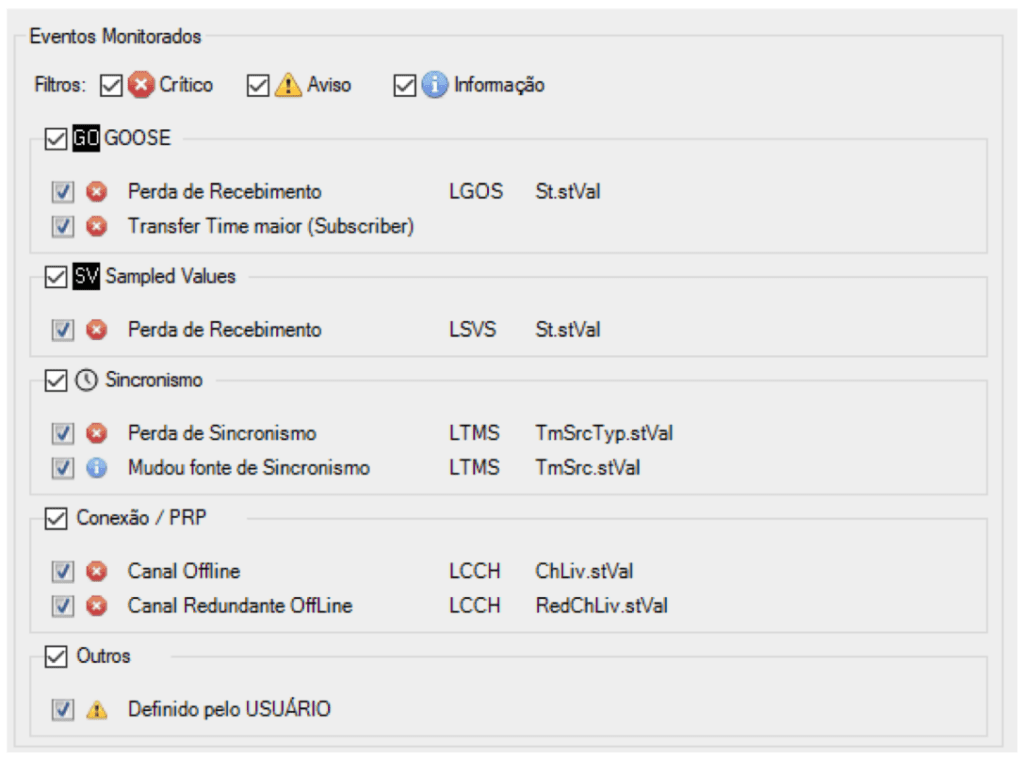
Send network fault event alarms to the SCADA system via MMS or GOOSE, configurable by the user.


Event Monitoring Details
GOOSE
-
TTL expired – Detects if message sending is interrupted beyond a defined time.
-
Out of sequence – Detects lost or out-of-order messages.
-
Formatting error – Detects if the message was corrupted.
-
Transfer time exceeded – Checks if the GOOSE transfer time exceeds the defined limit.
-
SCL comparison – Compares all message fields and indicates differences from the SCL file.
-
Never seen – Identifies if a message has not been received for a set maximum time.
-
GOOD validity changed – Detects changes in the “Good” status in Quality Bits.
-
Test Bit changed – Detects changes in the Test Bit in Quality Bits.
-
Time Quality bits changed – Identifies alterations in Time Quality bits.
-
Clock unsynchronized – Checks if the synchronization status bit changes.
-
Fast StNum change – Detects multiple GOOSE events in a short time.
-
Appeared – Detects if a message was sent after a “Never seen” event.
Sampled Values
-
Timeout – Detects message interruption beyond a defined time.
-
Out of sequence – Detects lost or out-of-order messages.
-
Formatting error – Detects if the message was corrupted.
-
Processing delay – Checks if SV data processing time matches definitions.
-
Time between frames – Verifies if frame intervals match sampling rates.
-
SCL comparison – Compares all message fields with SCL definitions.
-
Never seen – Identifies if a message has not been received for a defined time.
-
GOOD validity changed – Detects changes in the “Good” status in Quality Bits.
-
Test Bit changed – Detects changes in the Test Bit in Quality Bits.
-
Clock drift – Detects if the clock is drifting.
-
Sync flag changed – Detects synchronization flag changes.
-
Clock unsynchronized – Detects loss of synchronization.
-
Appeared – Detects messages sent after a “Never seen” event.
PTP
-
Missing messages – Detects absence of Grand Master (GM) PTP messages.
-
Time between messages – Checks if intervals match profile definitions.
-
Message loss – Detects lost GM messages.
-
Master precision changed – Detects changes in GM precision.
-
Clock class changed – Detects changes in GM clock class.
-
UTC offset updated – Detects changes in UTC offset.
-
Master active – Detects when the GM becomes active.
-
Appeared – Detects GM messages after a “Missing” event.
PRP Redundancy
-
Out of sequence – Detects message loss or delay.
-
LAN crossover – Detects crossing of PRP LAN A and B.
-
Duplicate reception – Detects duplicate message reception on both LANs.
-
No PRP tag – Detects messages without PRP tagging.
-
Incorrect PRP definition – Detects PRP tags differing from configuration.
-
SV message loss – Detects loss of SV messages with PRP tag.
-
GOOSE message loss – Detects loss of GOOSE messages with PRP tag.
-
PTP message loss – Detects loss of PTP messages with PRP tag.
-
Other message loss – Detects loss of other PRP-tagged messages.
Device
-
Overload – Detects device processing overload.
-
Optical signal degradation – Detects optical signal degradation.
-
Synchronization established – Detects when synchronization is achieved.
-
Synchronization lost – Detects when synchronization is lost.
-
Link established – Detects link status for each port.
-
Link lost – Detects link loss for each port.
Others
-
Unexpected GOOSE – Detects GOOSE messages not defined in SCL.
-
Unexpected SV – Detects SV messages not defined in SCL.
-
User-defined – Monitors any GOOSE message outside the SCL file.
Severity levels: Events can be classified as Critical, Warning, or Information.
User-configurable parameters: Specific events in GOOSE, SV, PTP, PRP, Device, and custom user-defined events can be fully configured.












Reviews
There are no reviews yet.