






Description
How to create sequential test routines, increasing the test automation in CONPROVE equipment?
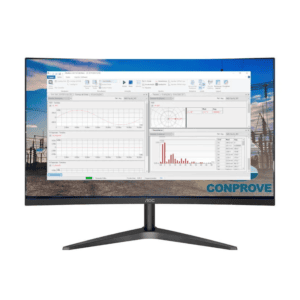
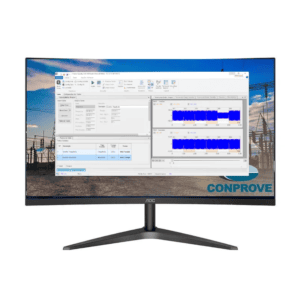
Within the Test Plan, the user will find the following resources:
- Creation of sequential testing routines, inserting any CTC software;
- Insertion of files already tested;
- Insertion of a pause routine, allowing composition with figures, sounds and warnings;
- Routine text insertion;
- Insertion of any executable (Excel, parameterization software and etc.)
- Issuance of a single report.
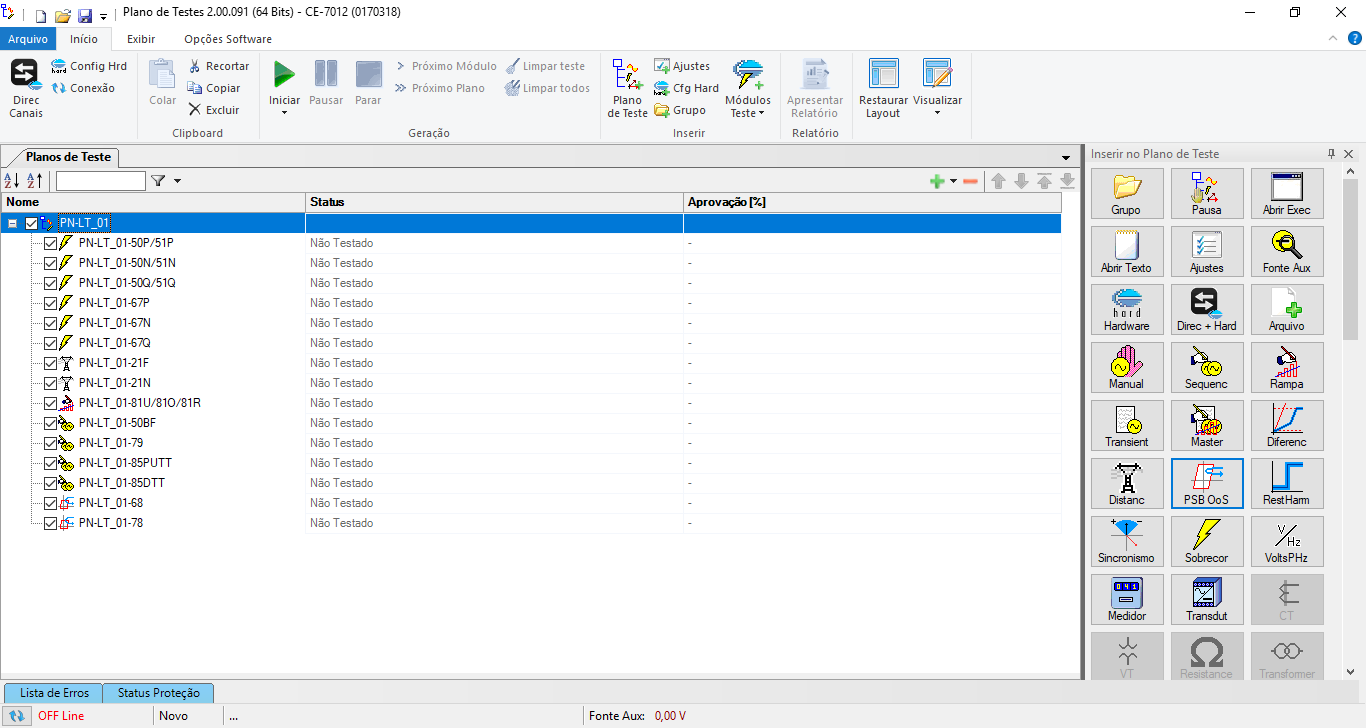
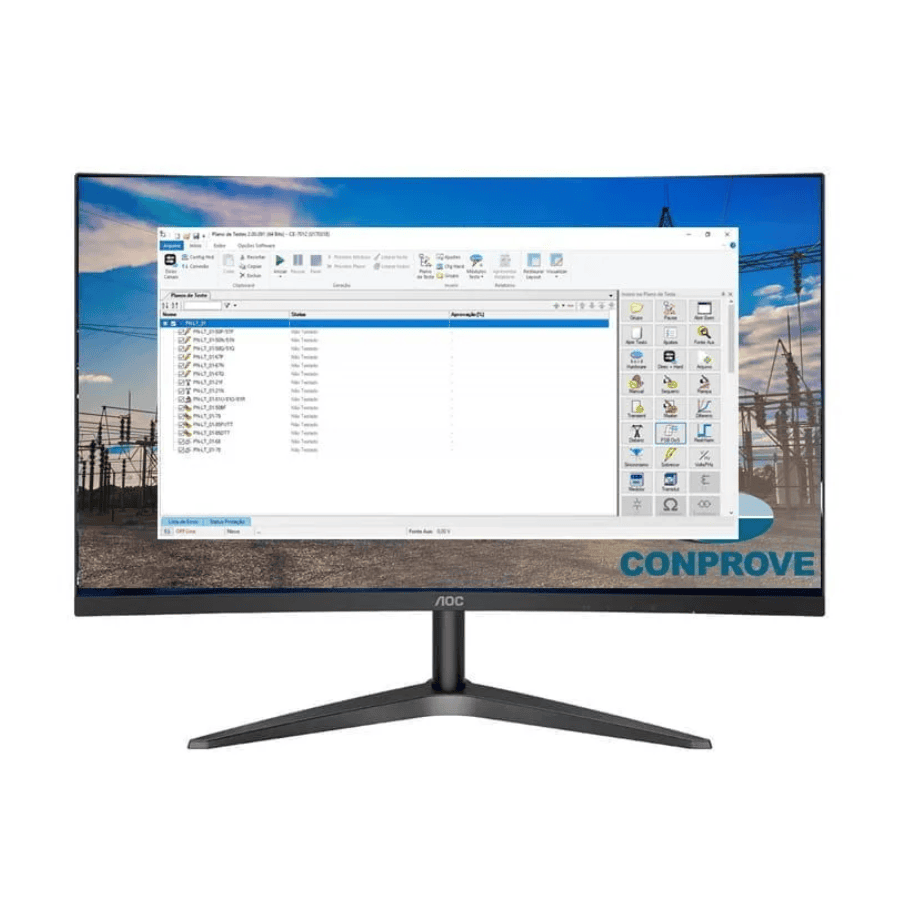
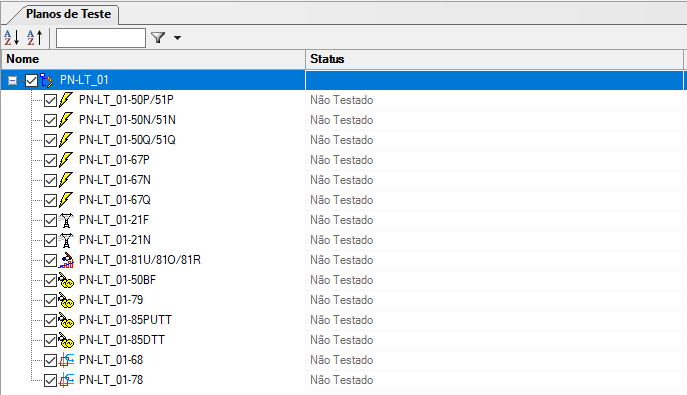
This software allows the user to create test routines that are executed in sequence, that is, the desired tests are inserted in a list and the Test Plan executes one after the other, without the need to open module by module giving a greater automation testing and reduced testing time.
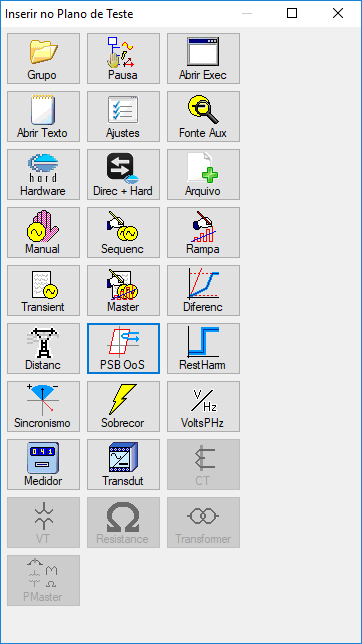
The user has access to ALL the software in the CTC package and other routines, such as PAUSE (allowing the user to change wires, re-adjust settings, insert images and sounds and new instructions in general), OPEN TEXT (allowing the user to create reminders during the testing routine) and OPEN EXECUTABLE (allowing the user to run other software of interest, such as the communication software of the relay). Everything to give greater feature of test automation.
In the end, it is called just a single report with all the tests performed. Very useful for digital IEDs with multiple functions, such as protection relays for: generator, transformer, transmission lines, motors and feeders. The idea, therefore, is to give the user a very big gain in productivity, reducing the time of the testing procedures.
Test Plan Software
Activate the English subtitle
In addition to creating automated test sequences, Software Test Plan provides a comprehensive environment for managing test plans, allowing users to organize different routines within a single project, save configurations, reuse procedures, and document every stage of the process in a standardized manner. The software also offers a simulation mode, password protection for test files, and workspace customization, delivering greater security and flexibility during test execution.
Another key advantage is the ability to integrate automated actions across different CTC modules and external applications. In addition to test applications, users can include commands to open documents, execute parameterization software, schedule pauses with instructions, images, and audible alerts—making it possible to automate complex commissioning and maintenance procedures with minimal operator intervention.
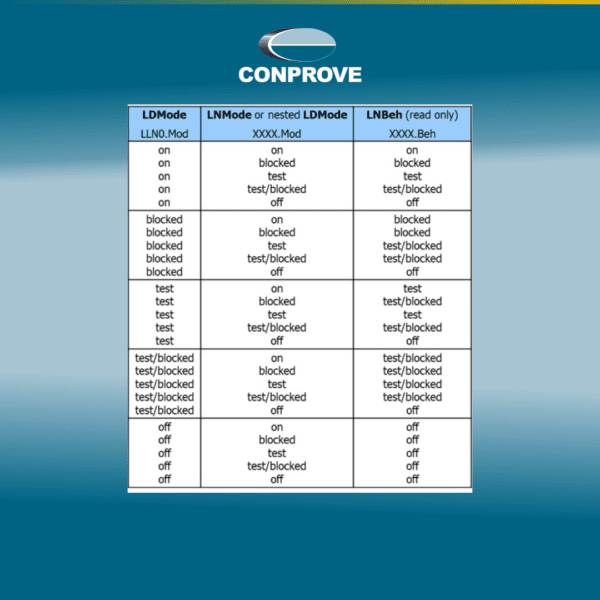
For digital substation applications, Software Test Plan incorporates advanced features for integrating with IEC 61850 devices via the Client/Server MMS protocol. Users can create shared configuration blocks across multiple tests, automatically prepare the IED prior to test execution, enable and monitor Reports, execute SET and RESET commands on Data Objects, and update the MMS tree to confirm changes made to the equipment. These capabilities significantly simplify automated testing on modern IEDs and ensure higher procedure repeatability.
Upon completion, Software Test Plan automatically consolidates results from all modules into a single technical report, combining information from every stage of the process into a standardized document. This approach reduces documentation preparation time, improves test traceability, and significantly increases productivity in protection, automation, and electric power system testing.









Reviews
There are no reviews yet.